
Contact: support@ttlmakerspace.com
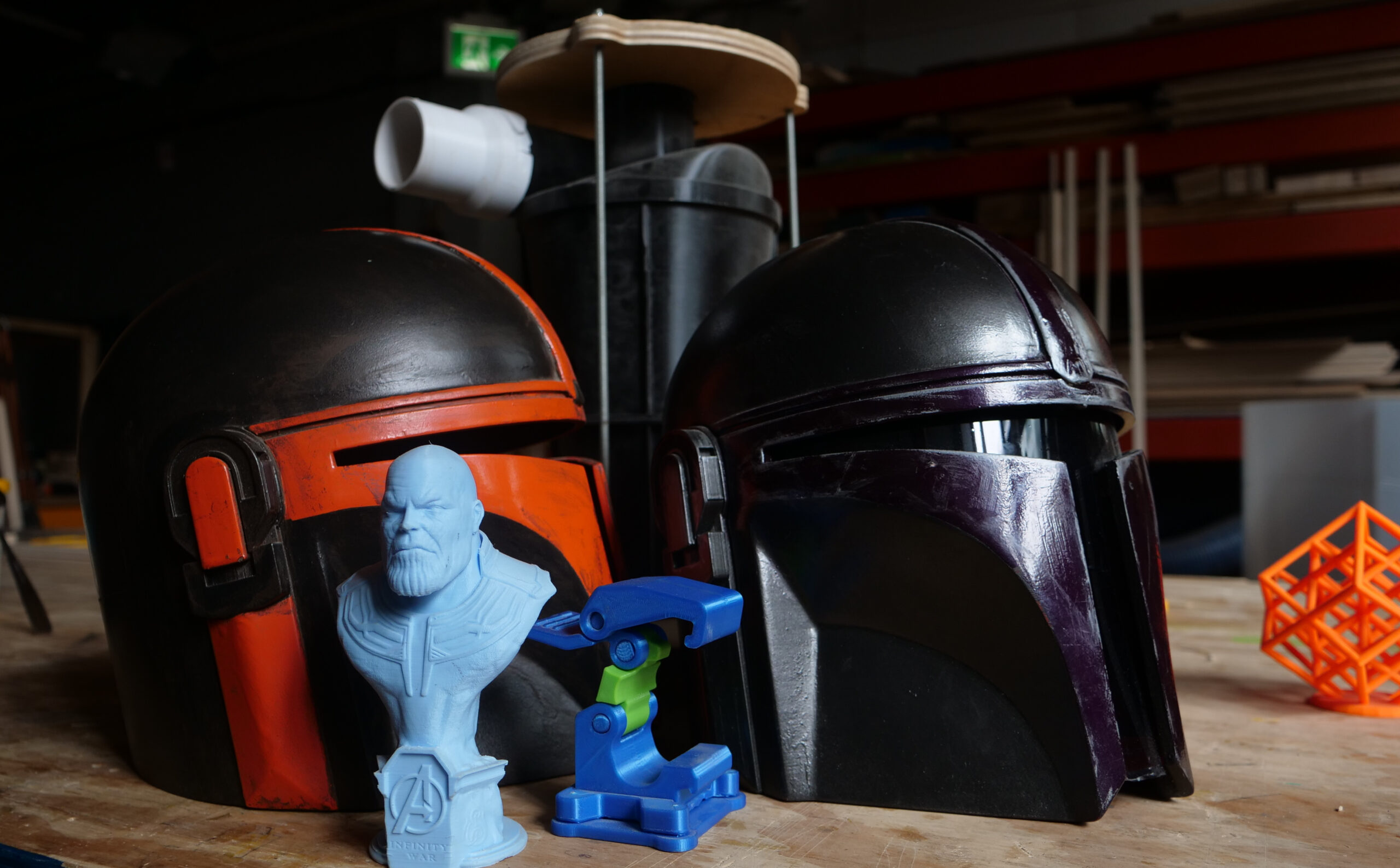

Week 1 : Intro to 3D Printing
Learn about:
- What is 3D Printing (technical terminology, hardware, use cases)
- Different kinds of 3D printing machines, tools, and techniques
- What is a slicer, why do we need it, and how to use it
Concepts covered:
Introduction to 3D Printing through a blend of hands-on & theoretical work. Set up our first print to discuss next week!
Exercise 1: Loading the 3D Printer
Exercise 2: Swapping out filament (colour change)
Exercise 3: 3D Printed Keychain
Week 2 : 5 Things to Know/Old Skool Modelling
Our first dive into CAD for 3D printing through using CAD. Learn to translate real-world use cases & dimensions into the digital environment. Discover the most common 3D printing problems and how to accommodate for them.
- 5 most common 3D printing issues (and how to fix them!)
- Intro to CAD for 3D modelling
- Parametric Design
- Meshing & exporting a printable model
- Slicing
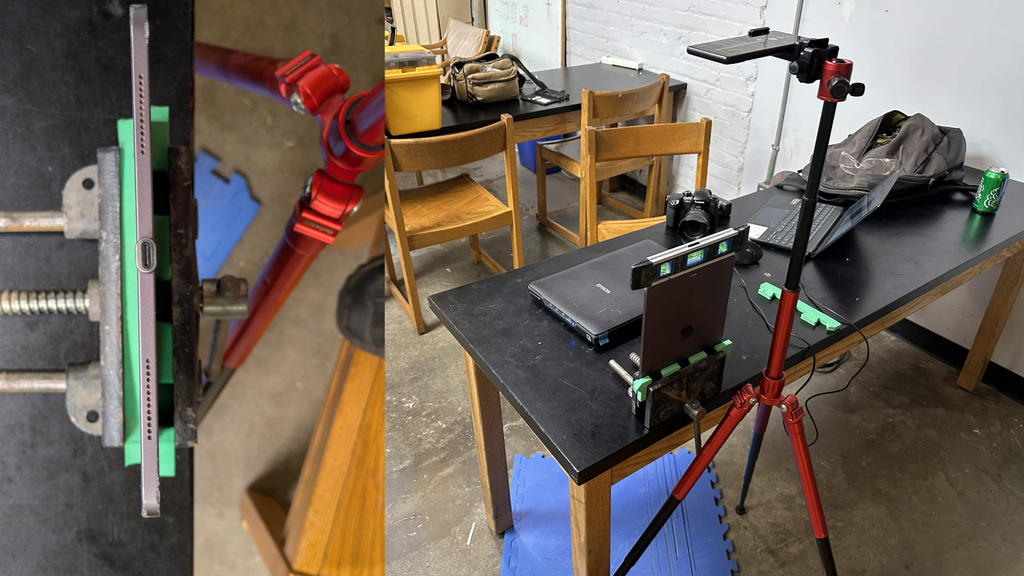
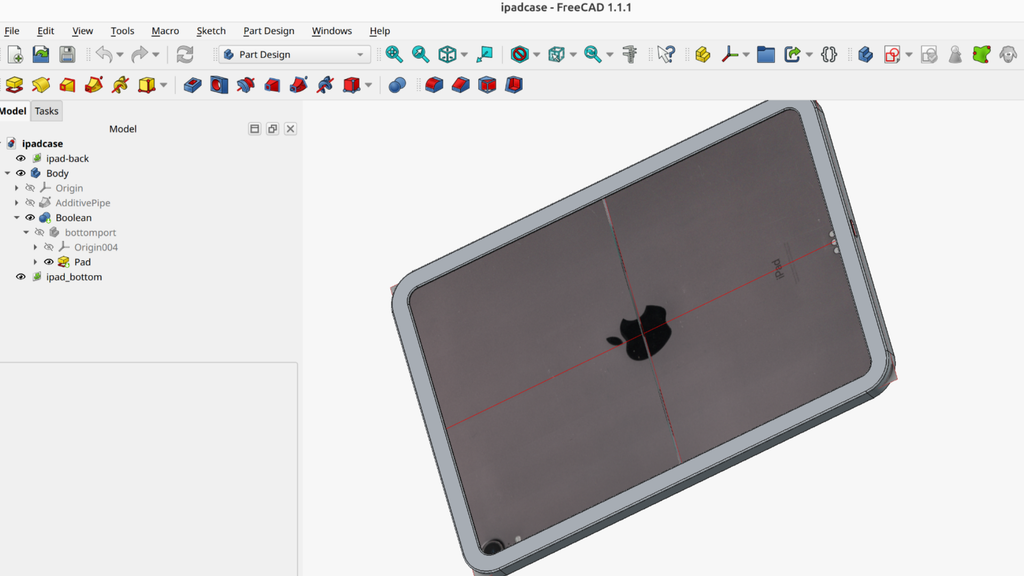
Week 3 : Scanner-Assisted Modelling (Part 1: 2D Scans)
Explore how familiar tools can be used to streamline 3D modelling through the use of a 2D document scanner. Leverage existing tools to efficiently perform fit tests & print trials.
- 2D Scanning to 3D modelling workflow
- 3D Printing tolerances & fit tests
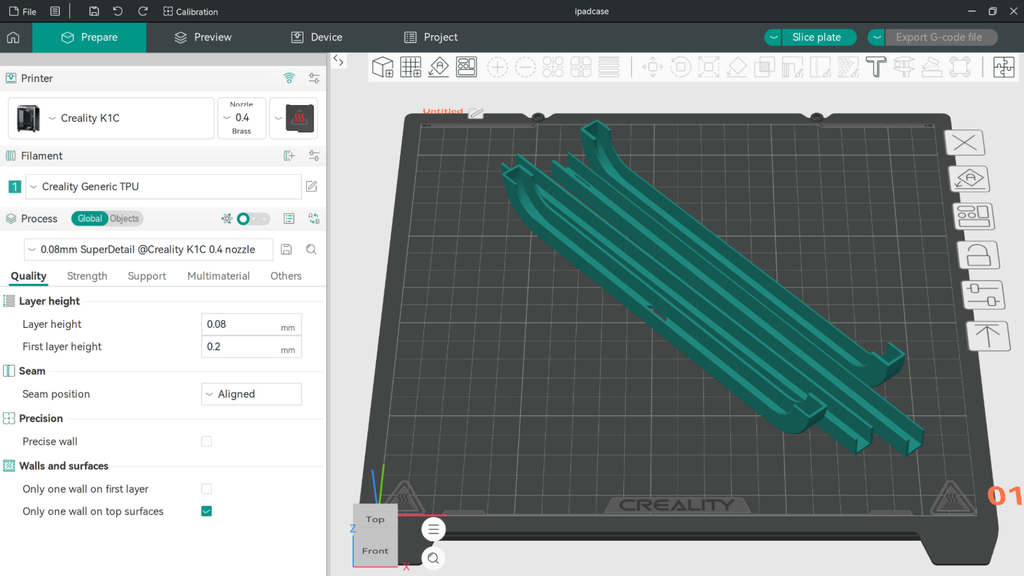
- Slicer tips & tricks
Week 4 : Scanner-Assisted Modelling (Part 2: 3D Scans)
In the previous week we got an introduction to modeling real-world objects for the sake of reverse-engineering using 2D scans and reference images. This week we go further, pushing into true 3D scans using a light-based scanner. We’ll complete a scan, learning all the tips to get a scan that can be used as reference in our 3D printed parts.
- 3D Scanning – how-to + tips & tricks
- Setting up a successful scan
- Point-clouds to meshes
- Aligning meshes in 3D space
- Model optimization
- Conversion to solid
Week 5 : Scanner-Assisted Modelling (Part 3: 3D Scans)
Building on the previous week, we will increase our modelling ability by making use of our scanned model from the previous session.
- Point selection and manipulation
- Drawing curves based on 3D reference
- Quality mesh creation
- Slicing and prep for printing
Week 6 : Resin Printing
Personalize your own custom keycaps printed on the Elegoo Saturn 4 Ultra resin printer. Discover the difference between the classic, FDM printing and resin printing.
- SLA vs. FDM Printing – why & use cases
- Design & slicing differences
- Post-processing requirements & additional techniques