
Contact: support@ttlmakerspace.com
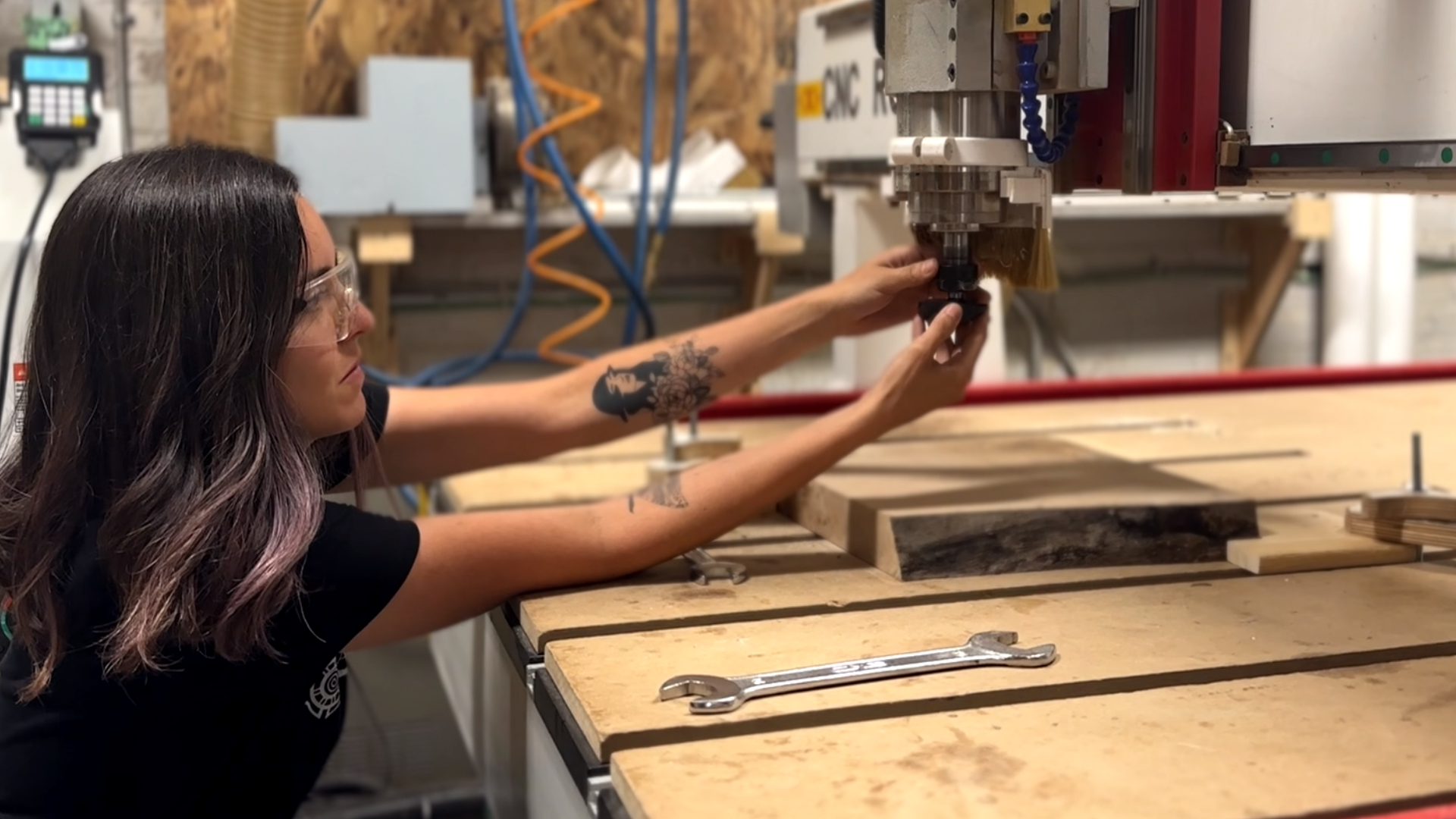

Get to Know a CNC – Week 1
Learn about:
- job origin
- work coordinates vs. job coordinates
- manual control (when it is needed)
- various types of bits
Concepts Covered
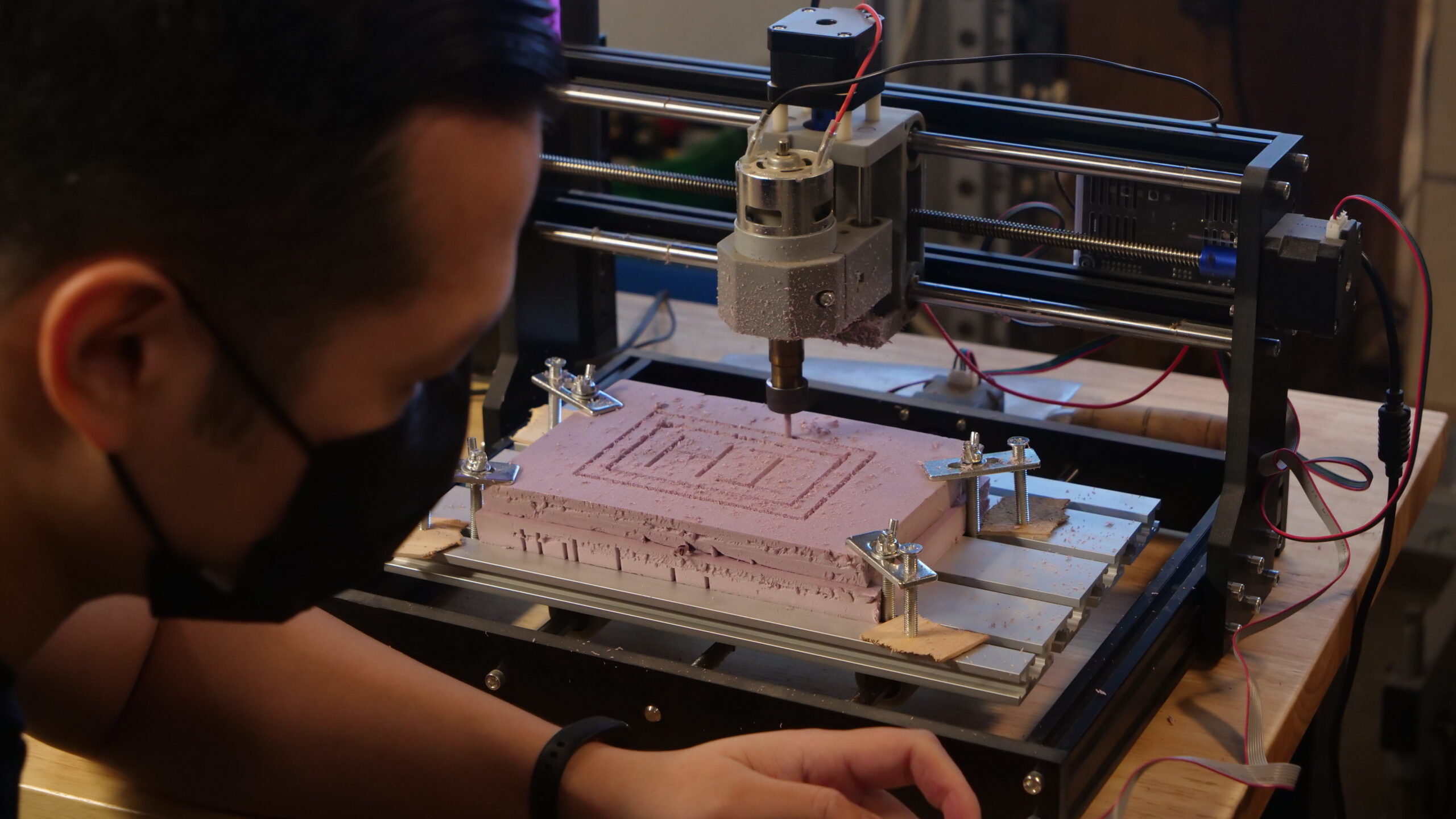
Get hands-on with the machines. Learn how they move, how to manually control them, mounting up materials.
Exercise 1: Setting up for operations
Exercise 2: Manual control of CNC
Exercise 3: Using coordinates, setting a job origin
First Automation! – Week 2
Learn about:
- Intro to CAD/CAM
- Sketching for solids
- Profiles
- Sending automations
Concepts Covered
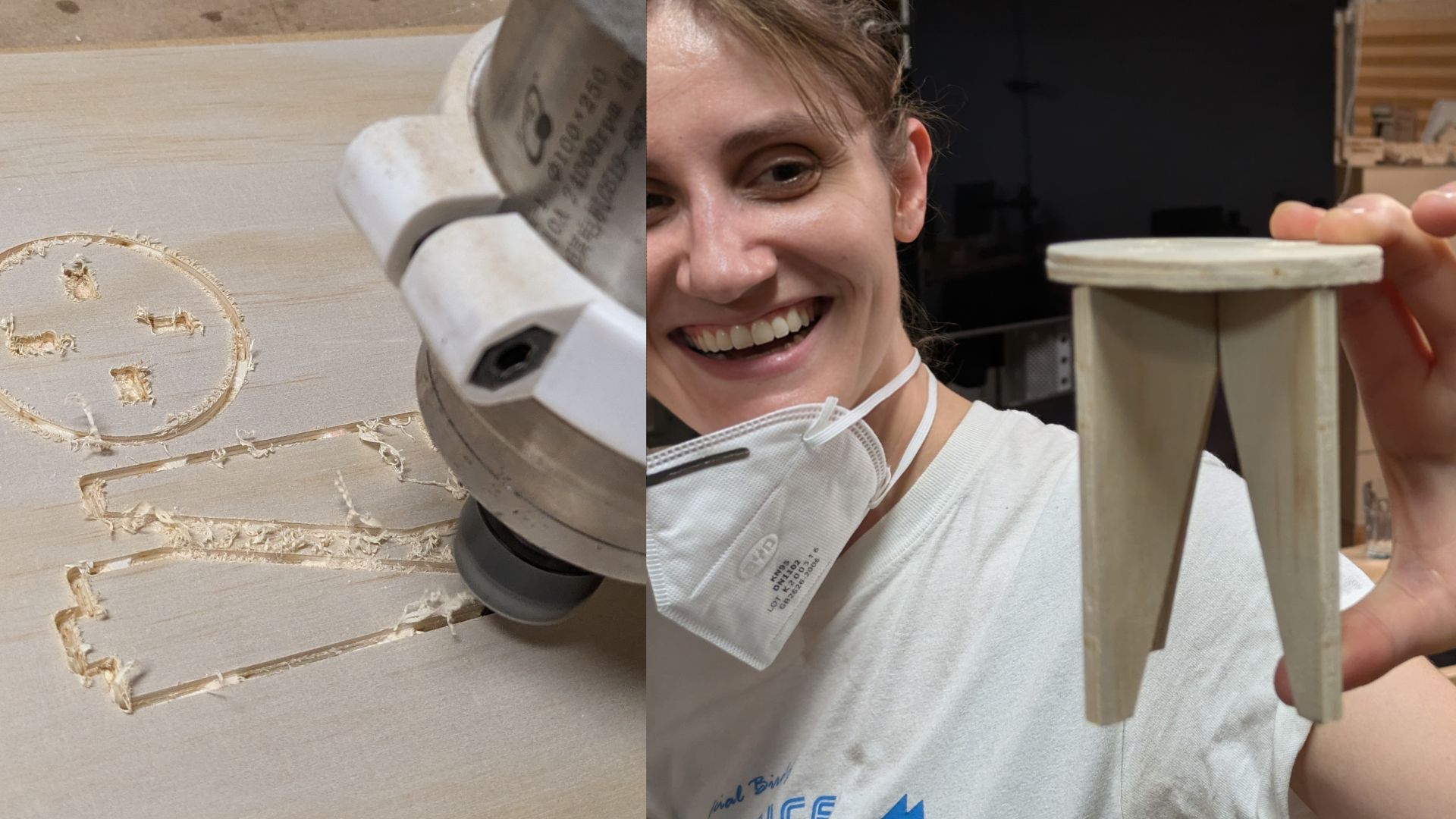
Walk through the entire process of creating an automation intended for assembly. Use miniature modelling (a stool) to learn design principles for CNC production, as well as the basics of CAM.
Exercise 1: Prepping the CNC machine
Exercise 2: Running first automation
Exercise 3: Create a simple solid model, generate CAM operation for it
Multi-body Modelling & CAM – Week 3
Learn about:
- Multiple bodies
- Cloning parts
- Transforms
- External Geometry
- Shape binders
- Patterns
Concepts Covered
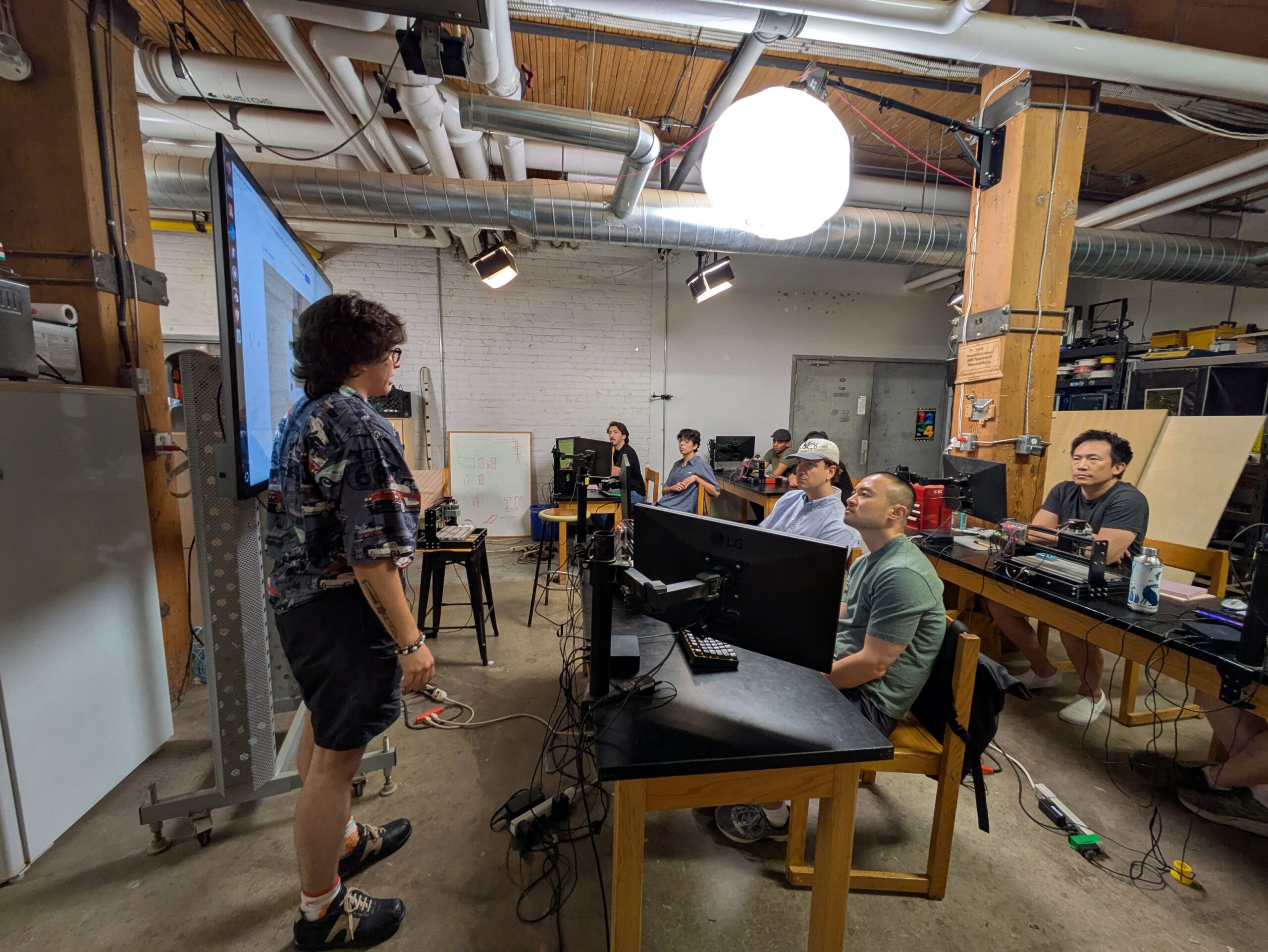
Learn more advanced techniques for creating designs with multiple interconnected parts. Learn to position objects relative to each other to visualize designs in 3D. Learn the important concept of tolerance for good fit. Become familiar with parametric modelling for easily adjustable fixtures.
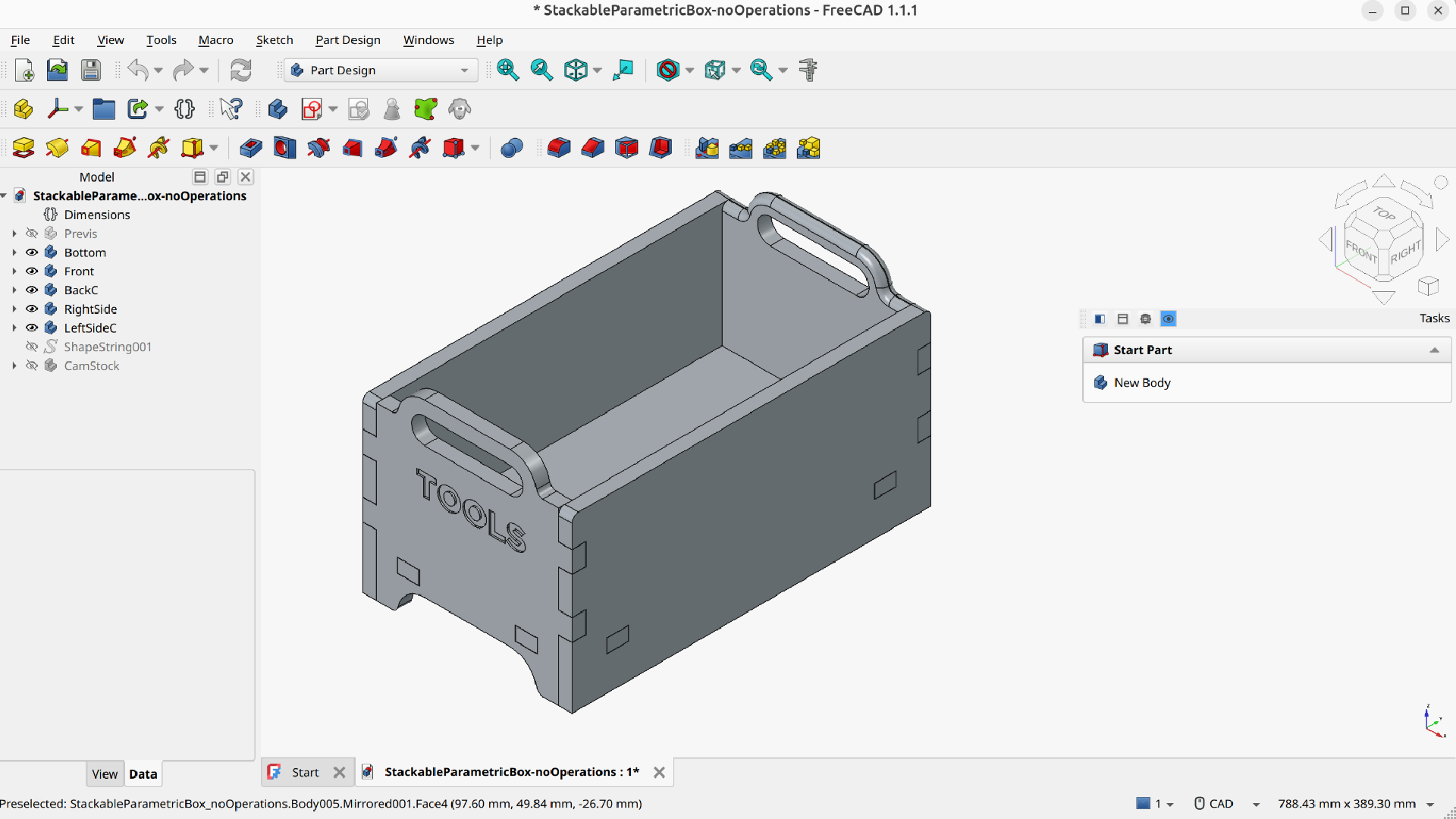
Project: Toolbox pt. 1 – Modelling & CAM
- Shape Binders
- Pattern operations
- Arrays
- Multi-body CAM
Multi-body CAM – Week 4
Learn about:
- Dressups
- Coordinating double-sided operations
- Edge-treatments and engraving
- Bit selection
- Speeds and Feeds
Concepts Covered
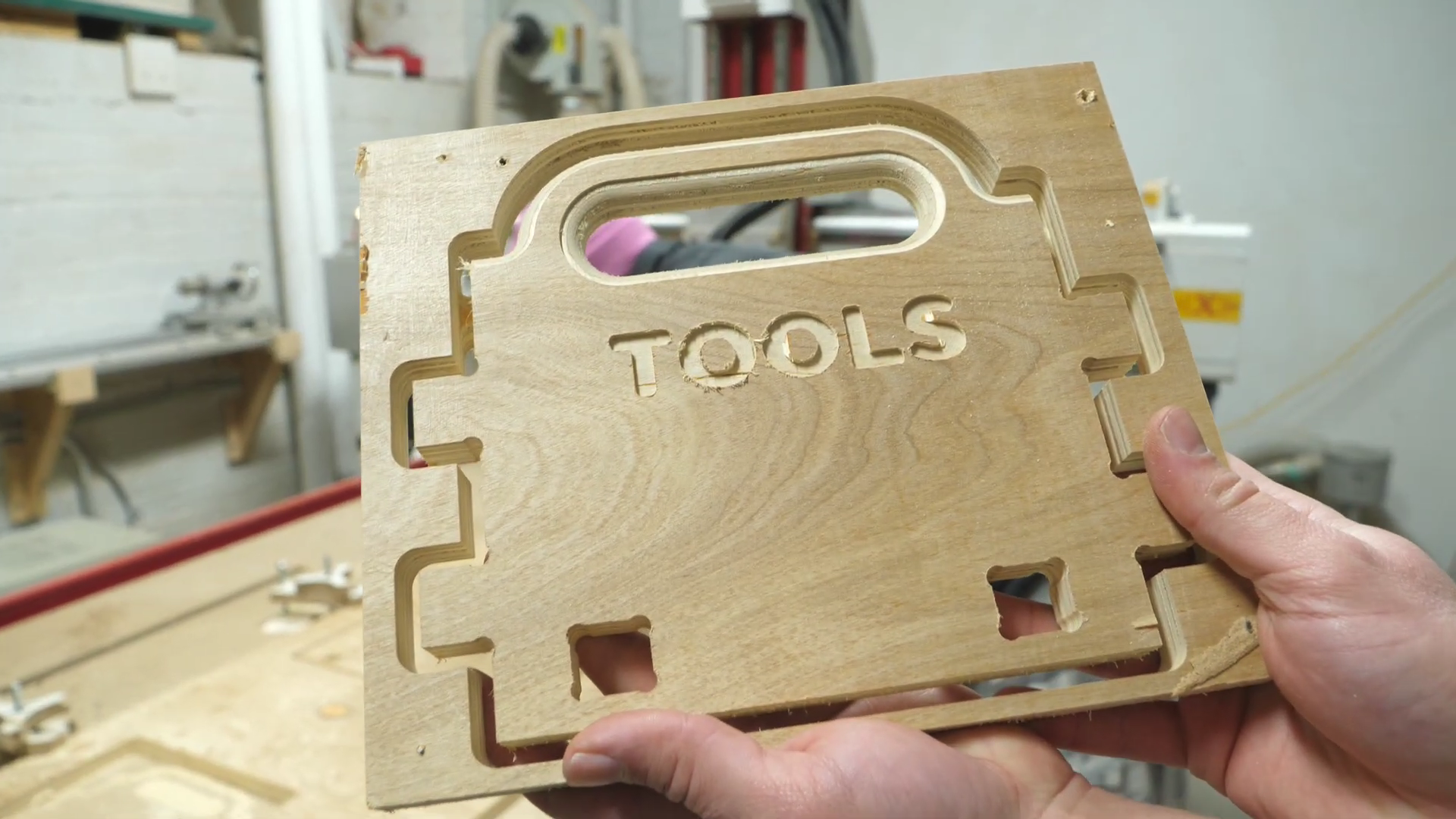
Learn to design for, and correct problems commonly encountered in building for CNC using dressup modifiers. Become familiar with edge-treatments such as chamfers and round-overs, and how to plan double-sided operations in CAM.
Project: Toolbox Pt. 2 – production
- Box joints
- Edge treatments
- Arrays
- Double-sided CAM
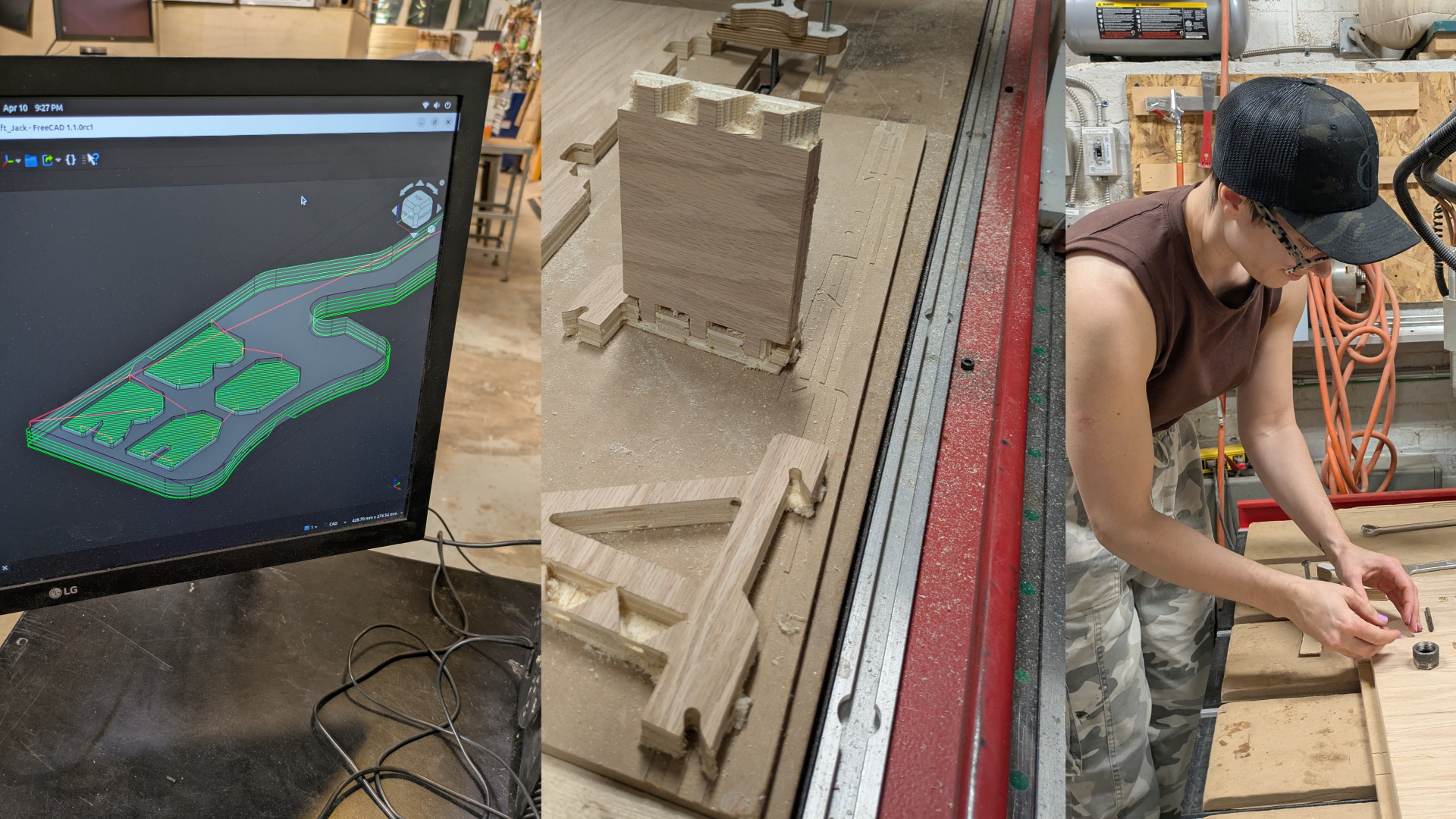
Joints and Helper Objects – Week 5
Learn about:
- Dovetail joints
- Keyed joints
- Scarf joints
- Mortise and Tenon joints
- Lap Joints
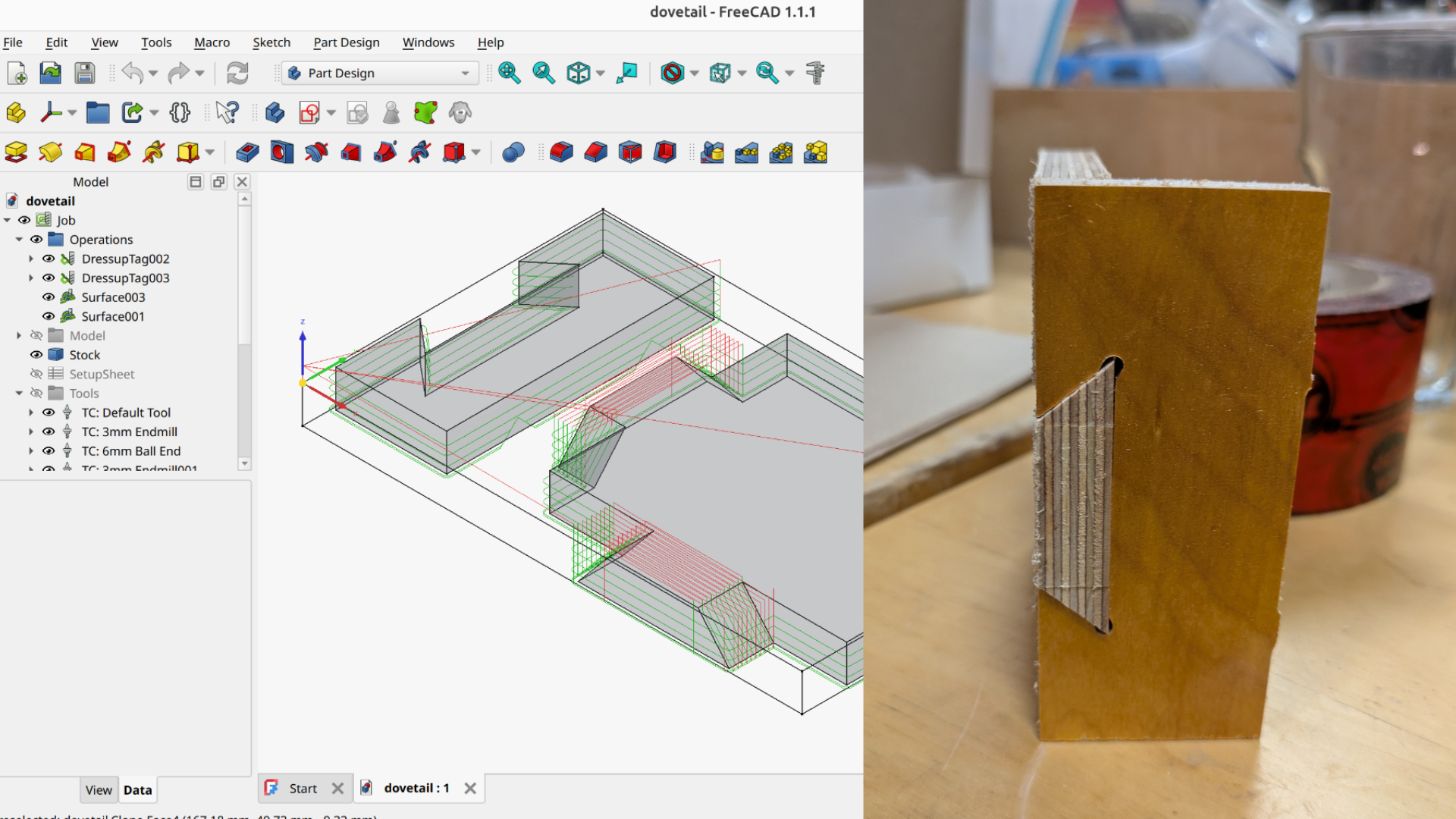
Concepts covered
Go in-depth on creating joints that can be produced on a CNC machine, and learn to use helper objects for solving tricky problems.
Exercise 1: Dovetail Joint
Exercise 2: Lap Joint
Final Project – Week 6
Learn about:
- Planning a project
- Good tools to use
- Construction/Sketch geometry
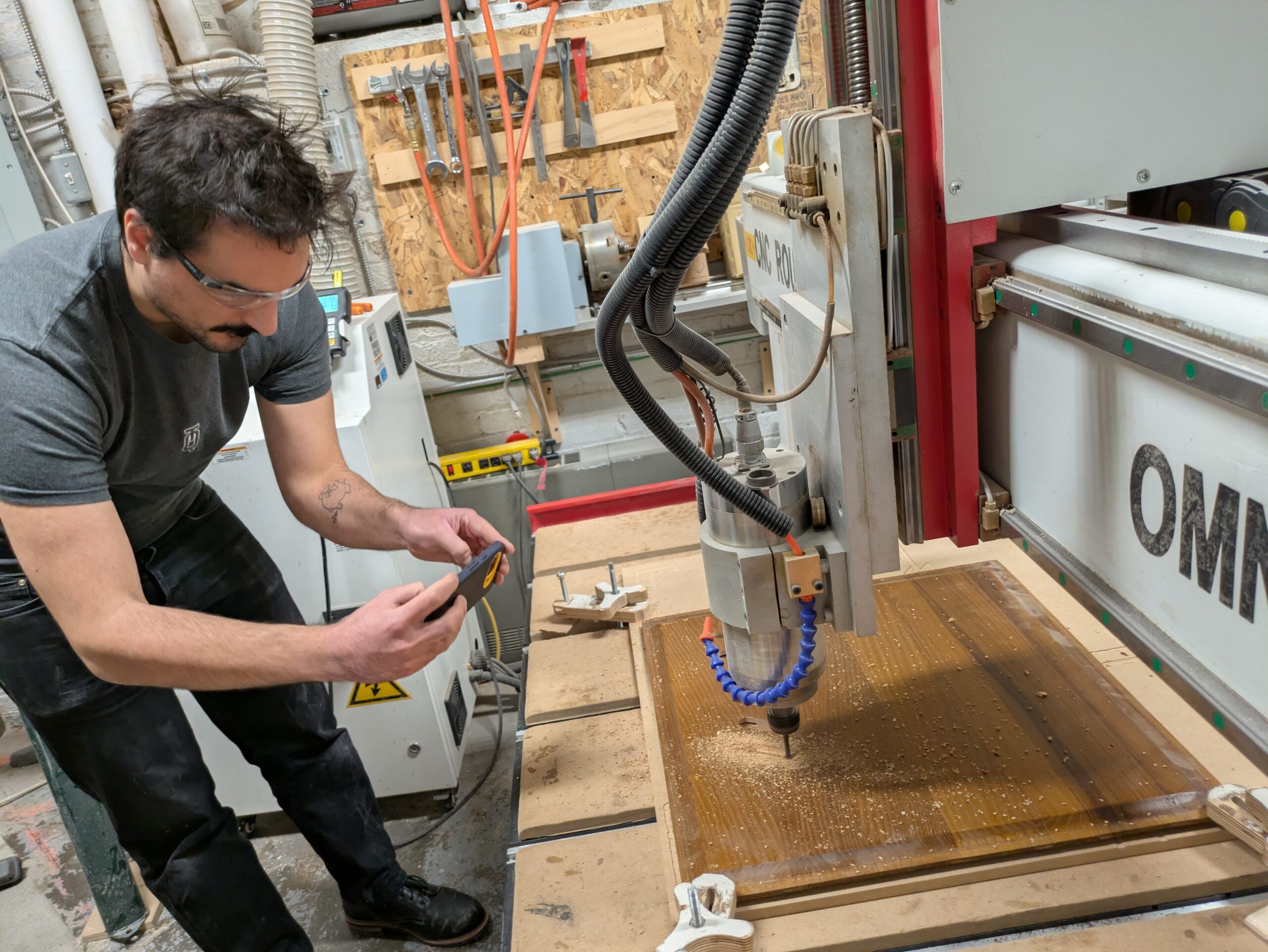
Concepts covered
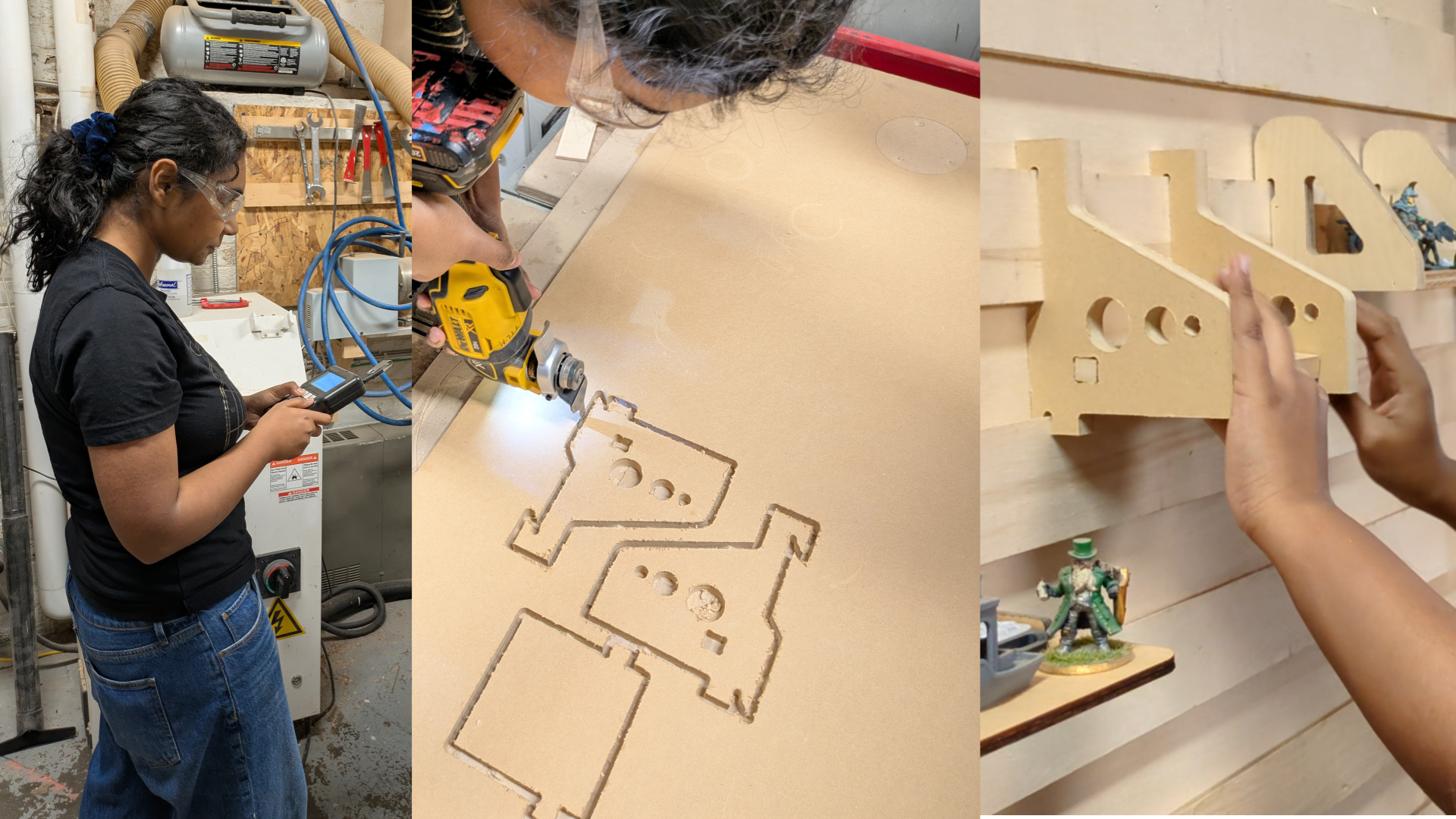
Use your multi-body modelling and CAM skills to create the final project – a tool organizer for the French Cleat Wall! This project gets you using all your acquired skills to create a design intended for a real-world environment.
Successfully completing the final assignment unlocks 3 hour of machine time you can book for your own use.
Final Project: Cleat Wall Organizer
- Construction Geometry
- Parametric design
- Arrays
- Joinery